

Clovis
Randwick
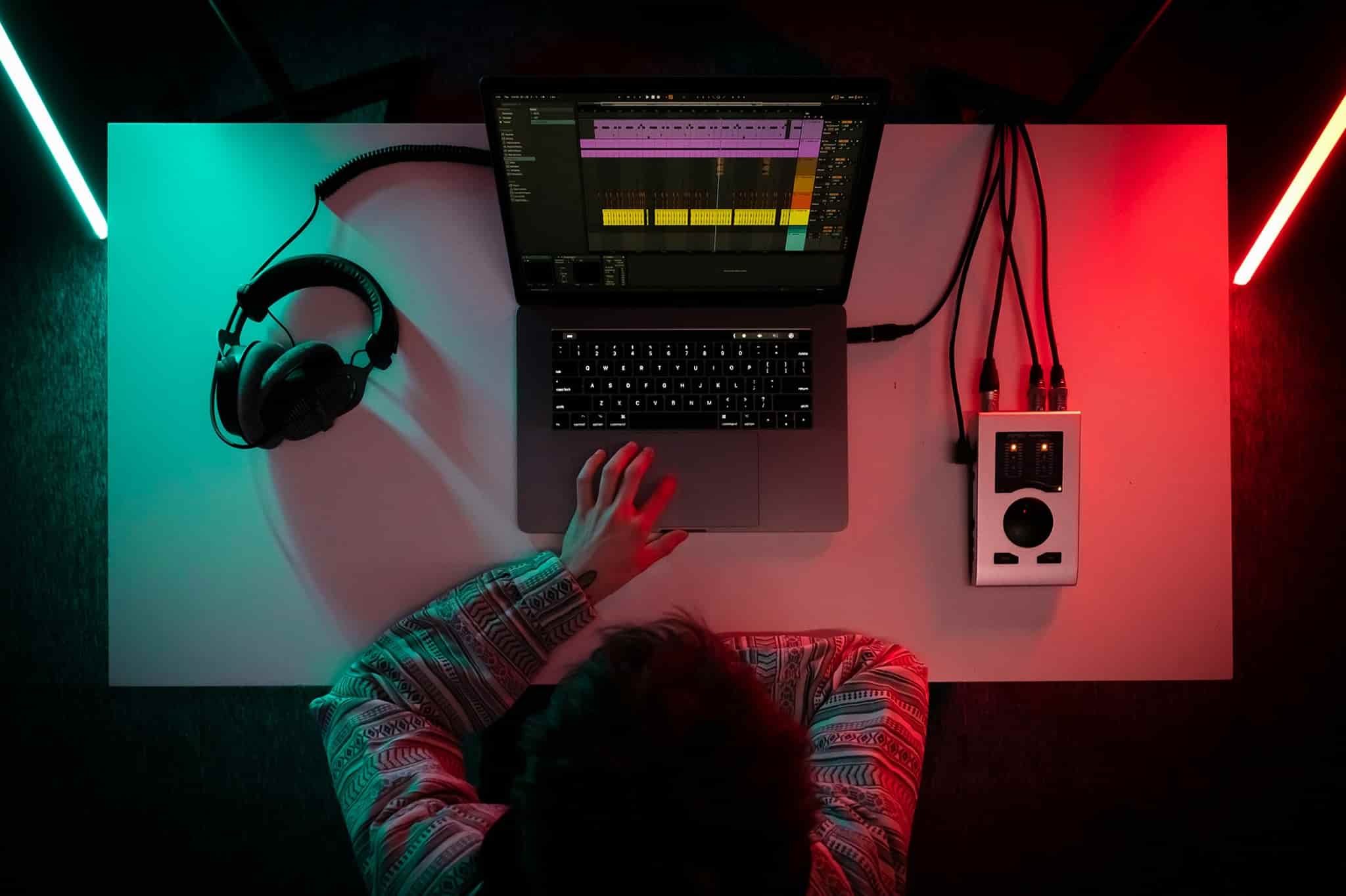
Sydney Music Lessons connects students across Sydney with experienced, vetted Ableton teachers. We match you with a local Ableton tutor based on your suburb, schedule, experience level, and production goals, making it easy to find lessons that fit around your life.
Our Ableton teachers offer private music production lessons from their home studios, online sessions, or flexible arrangements depending on the teacher and your preference. We support students across Sydney, including the Inner West, North Shore, Eastern Suburbs, and surrounding areas, with dedicated Ableton tutors in Epping, Chatswood, Neutral Bay, Ultimo, Camperdown, Bondi, Randwick, and Marrickville.
Whether you’re learning Ableton Live for the first time, producing electronic music, creating beats, exploring sound design, or developing professional production skills, we’ll connect you with a teacher who matches your goals, learning style, and budget.
 View Teachers


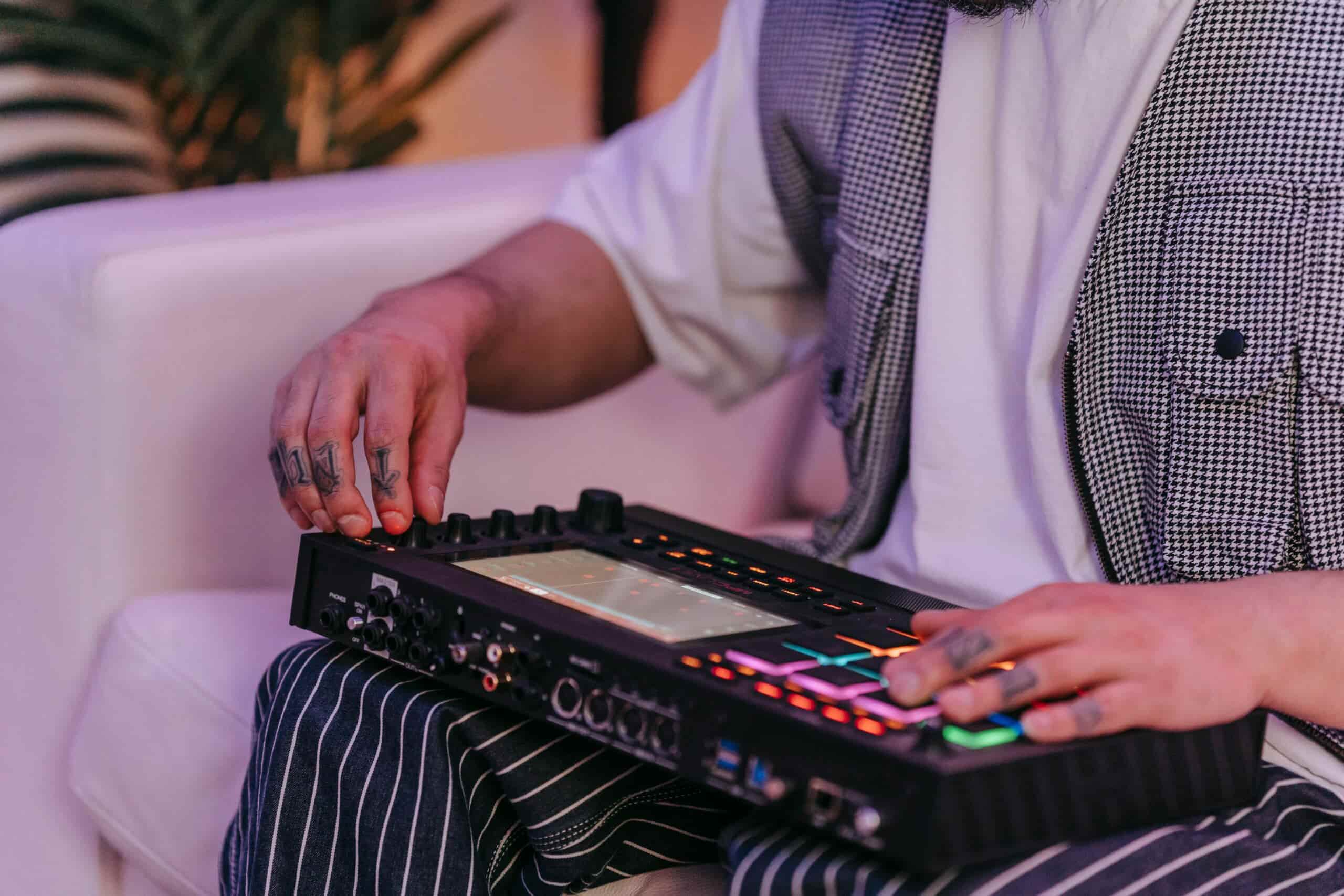
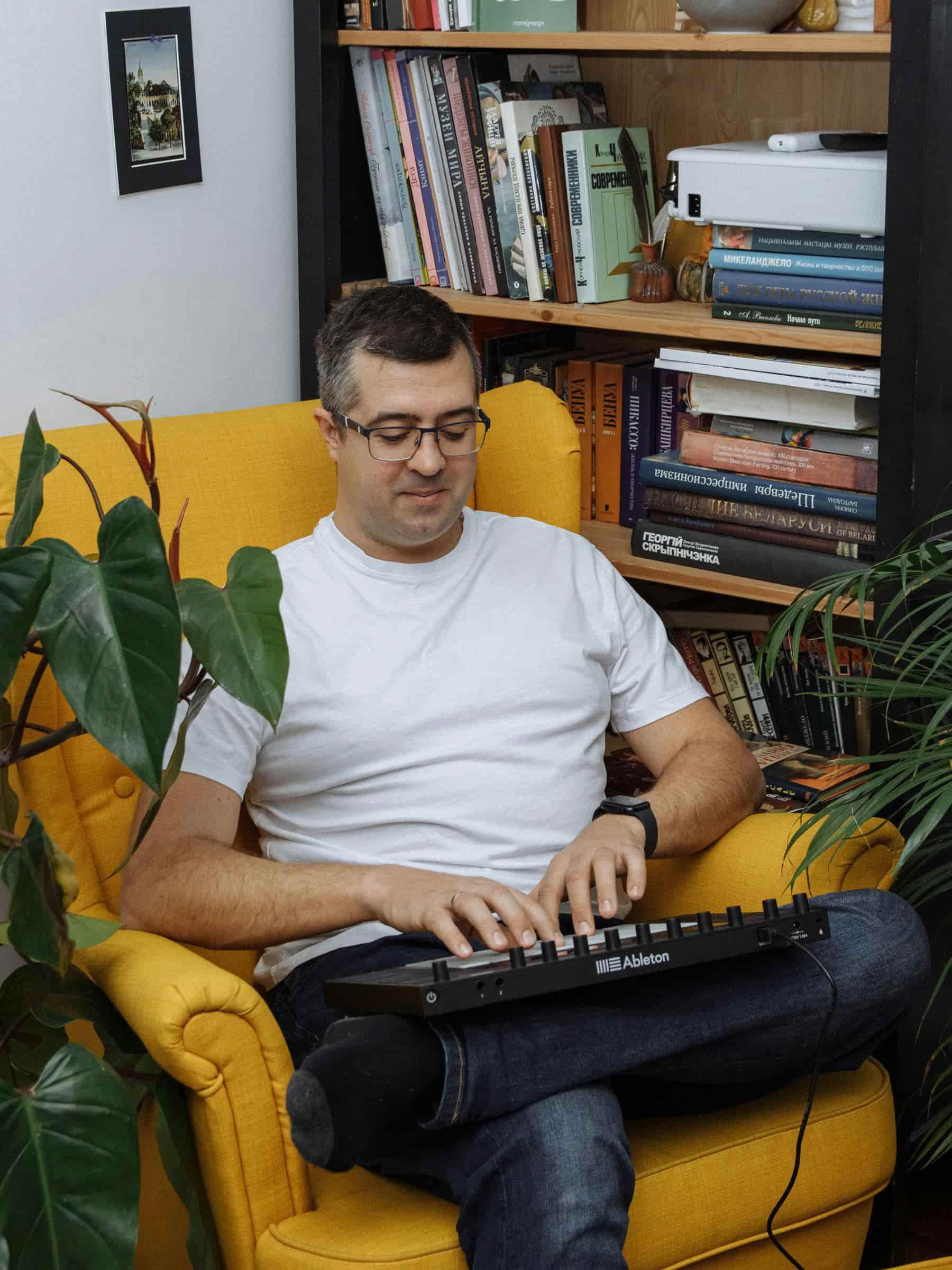
Ableton lesson costs in Sydney typically range from $70 to $170 per hour, depending on the teacher’s experience, qualifications, lesson format, and the focus of the sessions. Students working on different goals, from learning the basics of Ableton Live to producing and releasing professional tracks, may require different levels of guidance and support.
Several factors influence the price of Ableton lessons:
Teacher experience and specialisation: producers with professional experience in electronic music, sound design, mixing, or working with artists may charge more due to their specialised knowledge and industry experience.
Lesson goals and duration: some students prefer regular weekly lessons to gradually build their production skills, while others choose longer sessions focused on completing a specific project, improving a track, or preparing music for release.
Online vs in-person: online Ableton lessons offer flexibility and allow students to learn from experienced producers regardless of location, while in-person sessions can provide a more hands-on and focused production environment.
At Sydney Music Lessons, our Ableton teachers typically charge between $70 and $120 per hour. When you enquire, we’ll match you with a teacher based on your goals, experience level, preferred lesson format, and budget, helping you find the right fit from the beginning.
Session View and clip launching
Arrangement View and song structure
Warping audio and tight timing

Drum racks and groove building

Sampling with Simpler and slicing
MIDI writing and instrument racks

Effects chains, racks, and macros

Exporting stems and final masters
Ableton Live and Logic Pro have different strengths, and the better choice depends on your goals and creative workflow.
Ableton Live is often quicker for getting started with beat-making, electronic music, and experimentation. Its flexible workflow makes it easy to create loops, test ideas, and build tracks creatively from the beginning.
Logic Pro is often more intuitive for traditional studio production, including recording vocals and instruments, arranging full songs, and working with a familiar timeline and mixer. Once you understand the interface, it provides a powerful and structured environment for detailed production work.
A realistic learning curve looks like this:
If you’re already using a Mac and your focus is recording vocals, instruments, or producing full songs, Logic Pro may feel more natural. If you want to create electronic music, beats, or experimental productions, Ableton Live may be the better fit. If you plan to do both, either platform can work well. The best choice is the one that matches your creative process and that you’ll enjoy using consistently.
Yes. You’ll learn launching clips, scenes, follow actions (if relevant), and how to structure a set that actually flows.
Yes. You’ll learn when to warp, which warp modes to use, and how to keep vocals/drums tight without artefacts and timing drift.
You can start on what you have. Your teacher can help you decide if/when Suite is worth it for your goals.
Absolutely. You can build strong tracks using MIDI patterns, sampling, and simple music theory applied directly to your projects.
Yes. You’ll learn practical sampling workflows with Simpler (and other tools if needed), including slicing, pitching, and making samples sit in the mix.
Yes. You’ll learn Drum Rack workflows, velocity and dynamics, swing/groove concepts, and how to make drums feel alive rather than robotic.
Yes. Lessons focus on arrangement decisions, transitions, energy control, and “finishing habits” that get tracks over the line.
Yes. You’ll learn balance, EQ priorities, compression basics, reverb/delay usage, bus processing, and when to stop tweaking.
Definitely. Working inside your existing sets is often the fastest way to fix weak points and level up your workflow.
It’s easy to start and harder to master. Most beginners feel “comfortable” with the basics in about 1–2 weeks of regular practise. Getting properly confident (finishing tracks, clean mixes, consistent results) is more like 2–6 months depending on how often you practise.
If you practise 3–5 hours a week:
2–4 weeks: you can build simple beats, arrange a full idea, and export audio
2–3 months: you can finish complete tracks that sound solid
6–12 months: you start developing a consistent personal sound and faster workflow
Not to start. A MIDI keyboard/controller helps workflow and makes writing parts faster, but you can use your laptop keyboard and mouse early on. An audio interface becomes important when you’re recording vocals/instruments or you want lower latency.
I was always making projects but not completing them to the end. My teacher and I are working now on a clear formula for creating and finishing tracks.
It felt overwhelming at first, but I picked up on it quick. Then I started taking lessons and am arranging tracks much faster than when I first started.
Your teacher will help you set up Ableton Live correctly, including audio settings, interfaces, and latency, so you can work confidently from the beginning. You’ll learn how Session View and Arrangement View work together, build your first beats, add bass and chords, and develop the skills to turn simple ideas into complete musical arrangements.
By the end of your first lessons, you’ll understand the core Ableton workflow and be able to create, structure, and export your own projects.
Typical focus: setup, Ableton workflow, Session vs Arrangement View, drums, bass, chords, arrangement, exporting