

Oliver
Seaforth
Sydney Music Lessons connects students across Sydney with experienced music production teachers who can help students learn Logic Pro based on their goals, experience level, and preferred learning style.
Our teachers are based throughout Sydney, offering home studio lessons, travelling to you, and online lessons, depending on the teacher and your preference. As our teacher network continues to grow, we’ll match you with the most suitable teacher available for your schedule and learning goals.
Whether you’re a complete beginner opening Logic Pro for the first time or an artist looking to finish original tracks, we’ll help you find the right starting point.
 View Teachers






Logic Pro lesson costs in Sydney typically range from $90 to $130 per hour, depending on the teacher’s experience, qualifications, lesson format, and the focus of the sessions. Students working on specific goals, such as songwriting, recording, mixing, or music production, may require different levels of guidance depending on their experience and creative aims.
Several factors influence the price of Logic Pro lessons:
Teacher experience and specialisation: instructors with professional experience in music production, recording, mixing, or working with artists may charge more due to their industry knowledge and specialised skills.
Lesson goals and duration: lessons can be tailored for complete beginners learning the basics of Logic Pro, or more advanced students developing skills in arrangement, sound design, mixing, and production workflows. Lesson length and frequency can also vary depending on whether you’re learning casually or working towards a specific project, such as releasing music.
Online vs in-person: online Logic Pro lessons offer flexibility and allow students to learn from experienced producers regardless of location, while in-person lessons can provide a more hands-on learning environment.
At Sydney Music Lessons, our Logic Pro teachers typically charge between $90 and $130 per hour. When you enquire, we’ll match you with a teacher based on your goals, experience level, preferred lesson format, and budget, helping you find the right fit from the start.
Our Logic Pro teachers offer both online Logic Pro lessons and in-person lessons across Sydney, giving you the flexibility to choose the format that suits your lifestyle. Many of our teachers offer both options, while some specialise in one or the other. For Logic Pro, both formats work well, though in-person lessons have advantages for younger beginners where hands-on technique correction makes a real difference.
When you enquire we match you with a teacher who offers the format you need, in your area and price range.

Logic workflow and fast navigation
Clean session setup and routing
Comp takes and edit audio
MIDI programming and drum production
Flex Time and Flex Pitch
Mix with stock plug-ins

Effects, automation, and transitions

Export stems and final masters
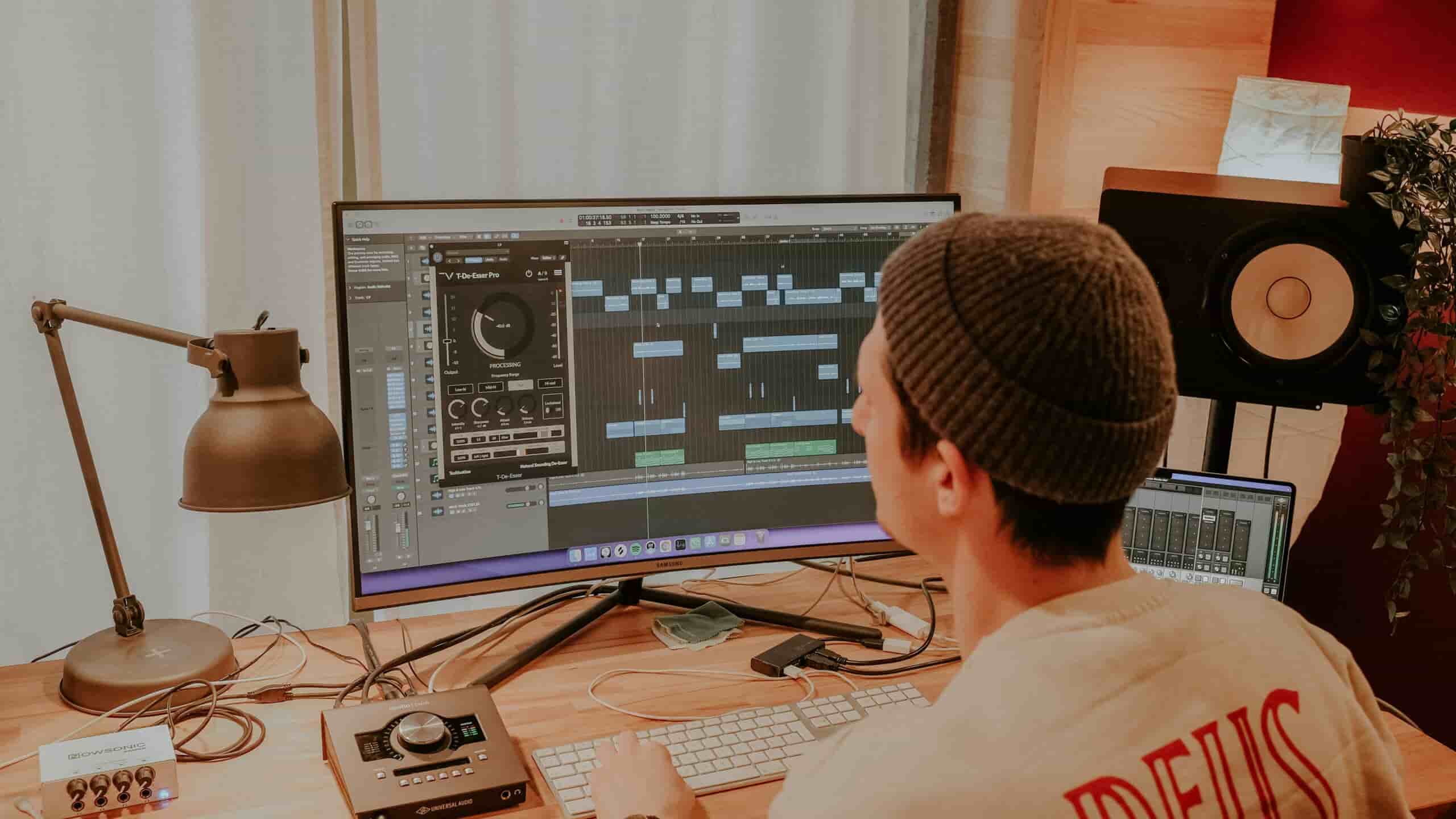
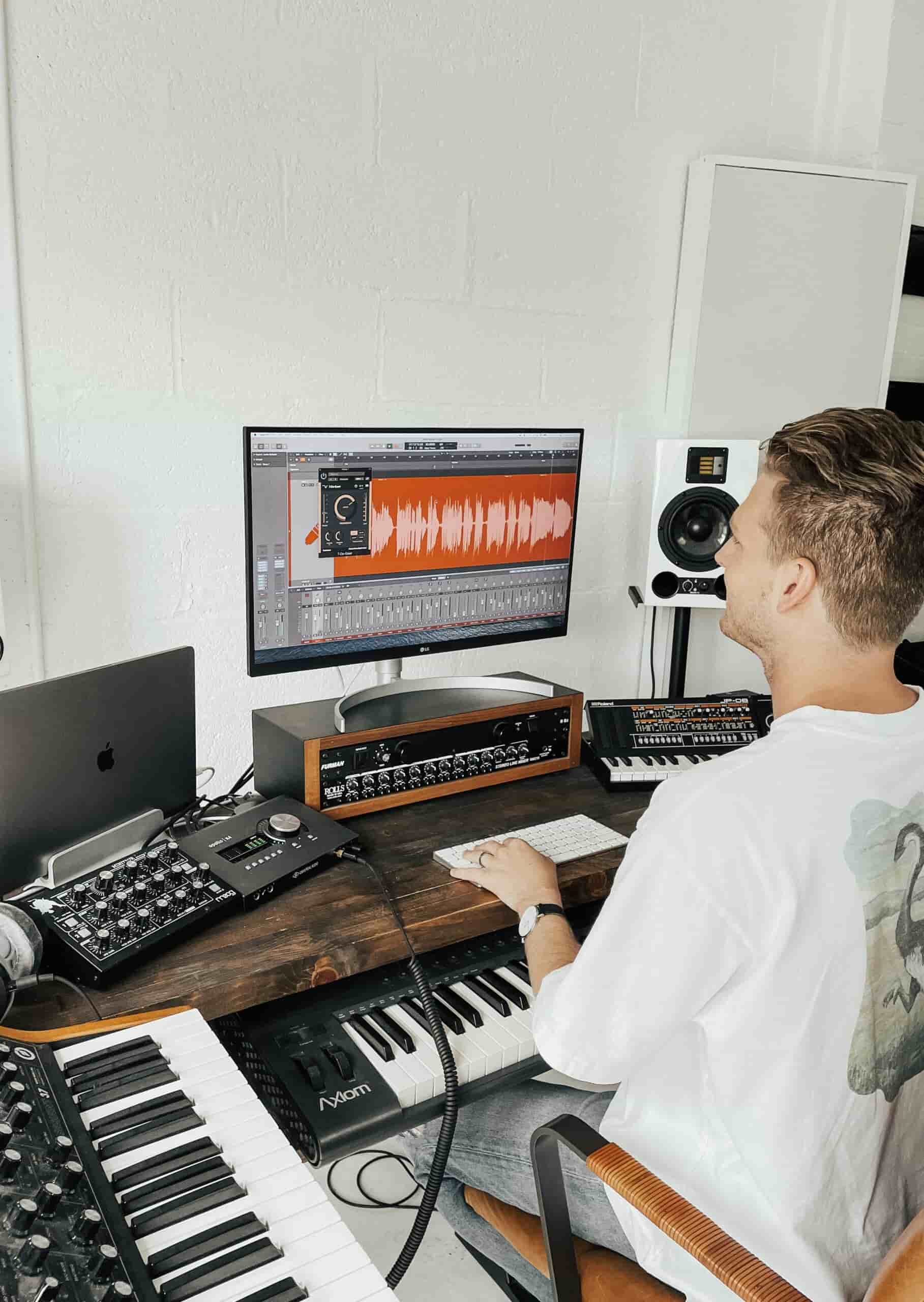
In logic pro lessons you’ll learn the full workflow: setting up sessions properly, recording audio/MIDI, programming drums, using instruments and samplers, arranging a track, editing tightly, and doing a basic mix (EQ, compression, reverb, balance). The aim is that you can finish music, not just click around plugins.
Logic can feel overwhelming at first because there are lots of windows and options, but the core workflow is very learnable. Most beginners feel comfortable with the basics (recording, editing, MIDI, arrangement) within 2-6 weeks if they practise regularly.
Ableton and Logic Pro have different strengths, and the easier option depends on what you want to create.
Ableton Live is often quicker for getting started with beat-making, electronic music, and experimentation. Its creative workflow allows many beginners to start building loops, rhythms, and ideas within their first few sessions.
Logic Pro is often more intuitive for traditional studio workflows, including recording vocals and instruments, arranging full songs, and working with a conventional timeline and mixer. Once you understand the layout, it provides a powerful and structured environment for production.
A realistic learning curve looks like this:
If you’re already using a Mac and want to record vocals, instruments, or produce full songs, Logic Pro may feel like the more natural choice. If your focus is electronic music, beat-making, live performance, or creative experimentation, Ableton Live may be the better fit.
Yes. Lessons cover structure, transitions, tension and release, and practical “finish the track” routines so you stop abandoning projects.
No. A laptop and headphones are enough to start. Your teacher will advise what to buy later (and what you don’t need).
Yes. You’ll learn gain staging, EQ, compression, reverb and delay, buses, automation, and how to get clarity without overprocessing.
Definitely. This is often the fastest way to improve; your teacher can diagnose issues and show you exactly what to change.
Yes. You’ll learn Drum Machine Designer/Drummer, sampling basics, swing and groove, and drum arrangement that supports the song.
You’ll learn practical fixes: arrangement space, EQ priorities, low-end control, headroom, reference tracks, and a clean export workflow.
Yes. Lessons cover bouncing settings, stems, master export, and preparing tracks for release without getting lost in technical jargon.
Yes – Logic Pro runs on macOS, so you’ll need a Mac (laptop or desktop). If you’re on Windows, you can still learn music production, but you’d use a different DAW (Ableton, FL Studio, Studio One, etc.).
They’re related, but Logic is far deeper. GarageBand is a simplified entry point; Logic gives you more control over routing, editing, mixing, advanced MIDI, and professional workflow features. Think of GarageBand as “training wheels” and Logic as the full studio.
You can get to “solid beginner” in 3 months if you’re consistent. With 3-5 hours/week, expect 1-2 decent demos; with 6-10 hours/week, you can finish multiple tracks and improve quickly. Logic pro lessons help because you’ll work on the exact bottleneck (arrangement, drums, vocals, mixing) instead of learning random features.
Most modern DAWs can handle basic mastering, and Logic is absolutely fine for it. In practice, “best” usually comes down to your monitoring, your tools (limiters/meters), and your judgement, not the DAW name. Many producers do a light master on their mix in the same DAW and only use specialised tools when they’re chasing a very polished release sound.
Logic Pro is typically a one-off purchase on the Mac App Store for a few hundred dollars (roughly A$300-$400, depending on current pricing). There’s no ongoing subscription, which is one of the reasons people like it.
Ableton Live is often better suited for:
Logic Pro is often better suited for:
As a general guide, electronic and beat-focused production often suits Ableton Live, while recording-based production often suits Logic Pro. If you want to do both, either platform can work well. The best choice is ultimately the one that fits your creative process and that you’ll feel motivated to open and use regularly.
As an adult student returning to music, I found Jack’s teaching style clear, practical, and tailored to my goals. He explains complex ideas in a way that actually makes sense and applies to real music. I’ve gained confidence quickly and always leave lessons feeling motivated.
He has extensive experience working in various musical contexts with children and adults alike.Your teacher will first help you set up Logic Pro correctly, including audio settings, interfaces, buffer size, and latency, so your workflow feels smooth from the beginning. You’ll learn how to navigate the workspace, understand tracks, regions, and the mixer, then start creating music through recording, MIDI programming, beats, and simple arrangements. By the end of your early lessons, you’ll have the skills to build and export a complete project.
Typical focus: audio setup, Logic Pro workflow, recording, MIDI, beats, arrangement, exporting