


Oliver
Seaforth
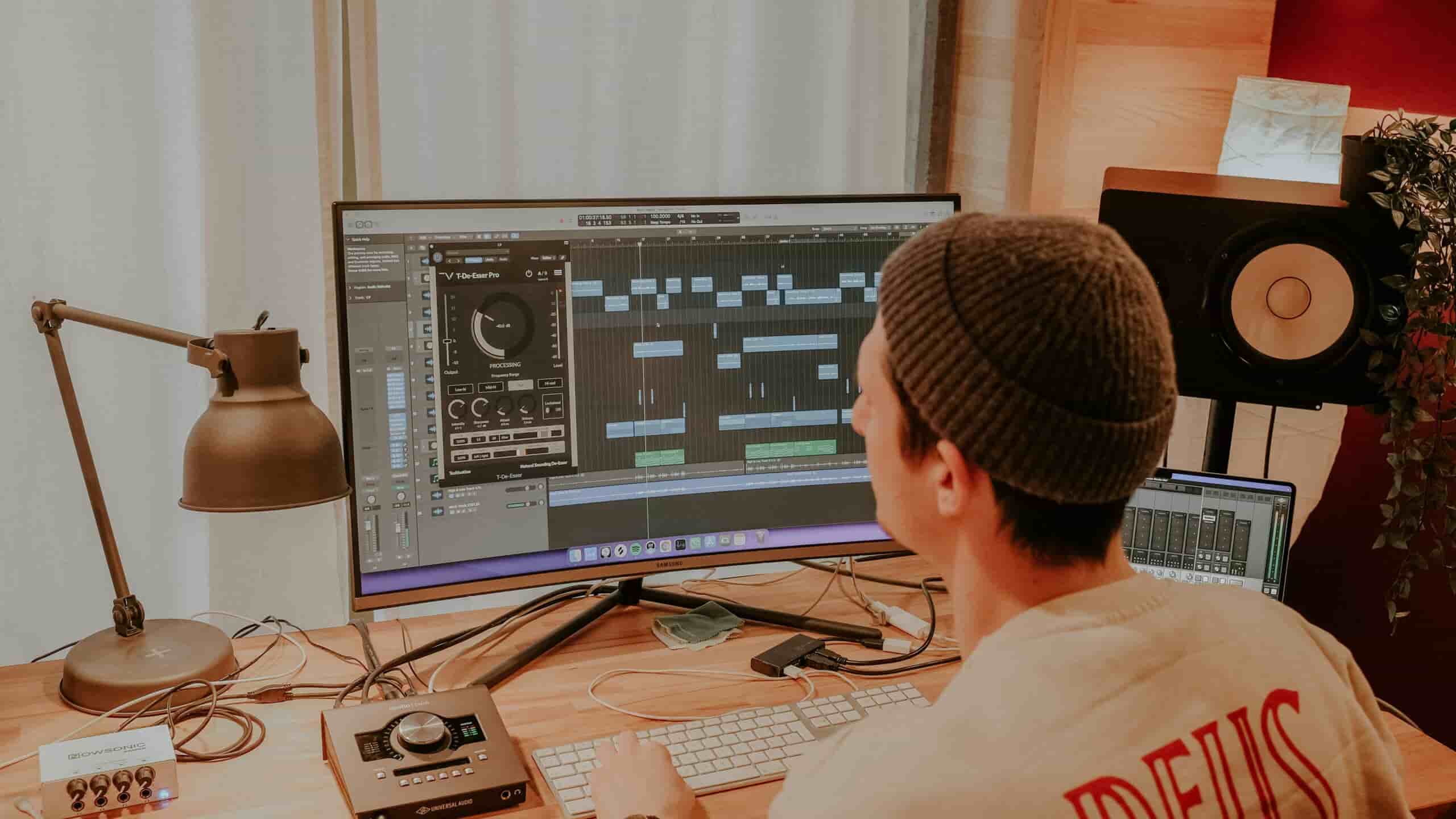
Logic Pro lessons help you finish tracks with confidence — recording, MIDI, arrangement, mixing, and clean export.
Beginners starting from scratch
Musicians recording vocals and instruments at home
Songwriters producing their own releases
Producers levelling up workflow, mixing, and export
Artists preparing tracks for release
Find a teacher on the map below and enquire — we’ll match you to the right fit.
 View Teachers






Logic workflow and fast navigation
Clean session setup and routing
Comp takes and edit audio
MIDI programming and drum production
Flex Time and Flex Pitch
Mix with stock plug-ins

Effects, automation, and transitions

Export stems and final masters
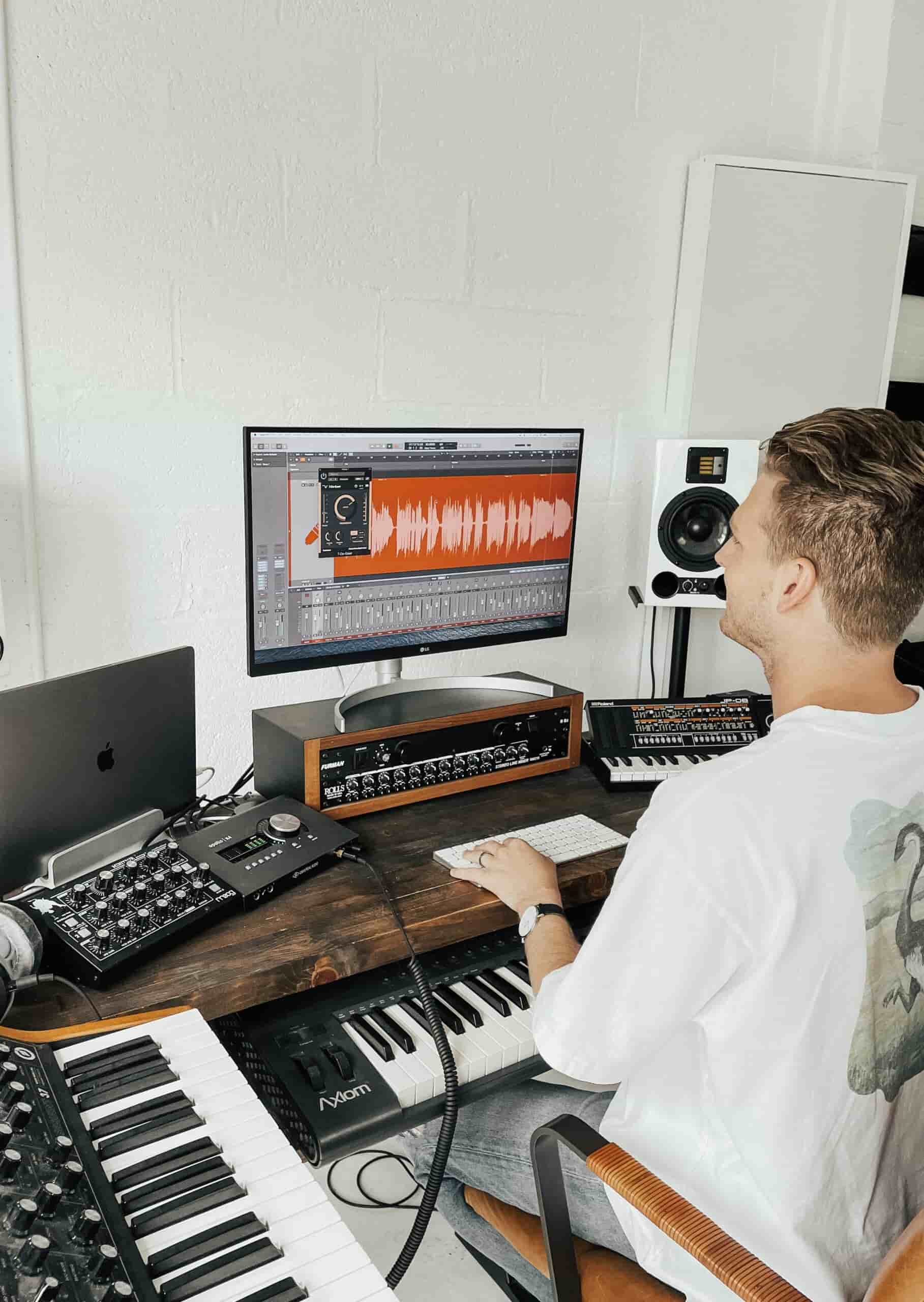
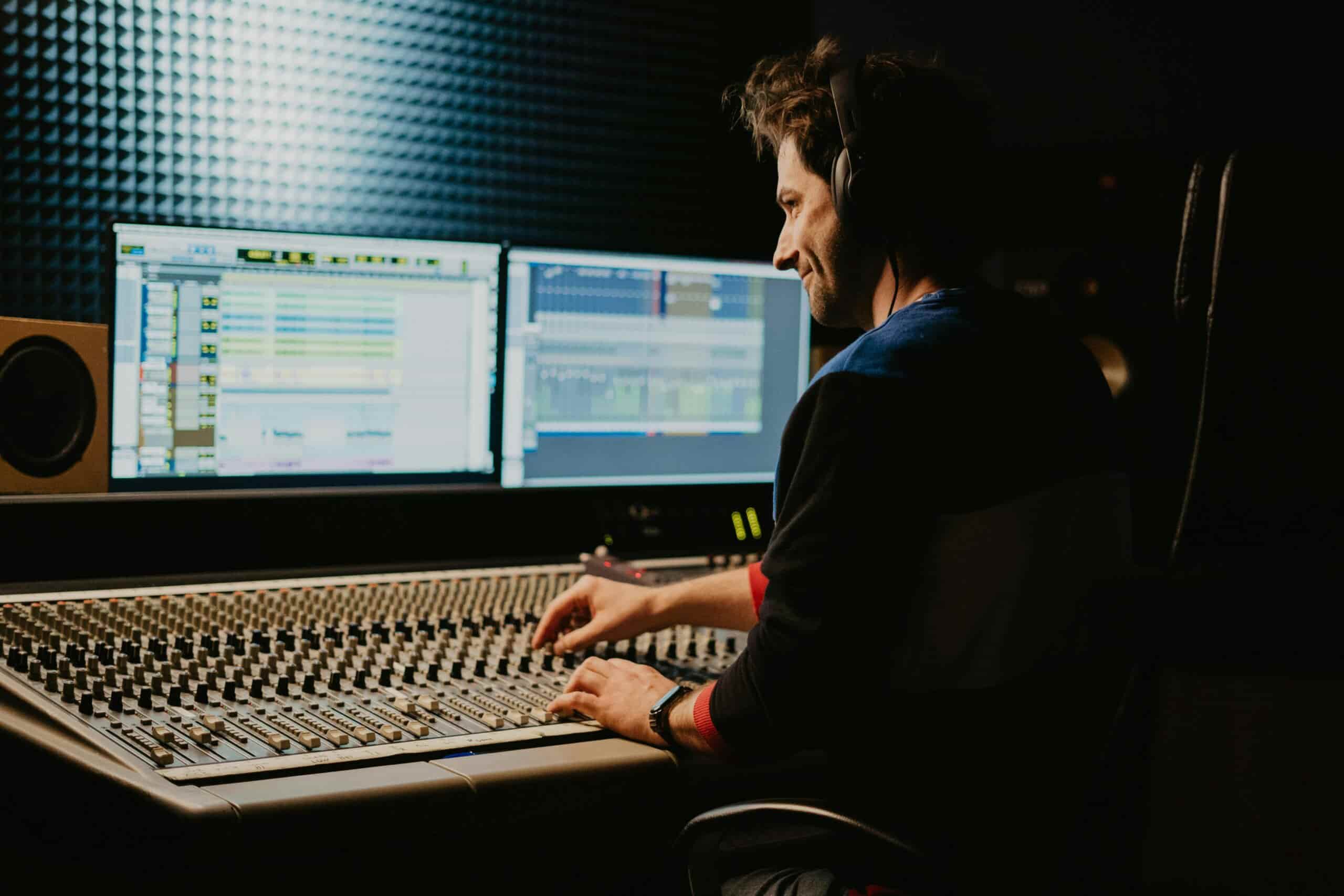
Logic Pro is powerful, but beginners often get stuck with messy projects: confusing routing, muddy mixes, and ideas that never turn into full tracks. That’s normal — you’re missing a simple system.
In lessons, we build a clean, repeatable workflow: organise your session, record cleanly, edit efficiently, and finish with intention. With consistent Logic Pro lessons, your ears sharpen, your mixes improve, and you start completing songs instead of collecting half-finished loops.
In logic pro lessons you’ll learn the full workflow: setting up sessions properly, recording audio/MIDI, programming drums, using instruments and samplers, arranging a track, editing tightly, and doing a basic mix (EQ, compression, reverb, balance). The aim is that you can finish music, not just click around plugins.
Logic can feel overwhelming at first because there are lots of windows and options, but the core workflow is very learnable. Most beginners feel comfortable with the basics (recording, editing, MIDI, arrangement) within 2–6 weeks if they practise regularly.
Ableton feels easier to start making beats quickly (you can be productive in a few hours).
Logic feels easier for traditional “studio” work (recording, tracks, timeline, mixer) once you understand the layout.
A realistic learning curve:
2–7 days to feel “not lost” in either if you practise daily.
4–8 weeks to feel properly fluent with consistent practise.
If you’re already on a Mac and you want to record vocals/instruments, Logic will usually feel easier. If you want to make electronic tracks and you like experimenting, Ableton will usually feel easier.
Yes. Lessons cover structure, transitions, tension and release, and practical “finish the track” routines so you stop abandoning projects.
No. A laptop and headphones are enough to start. Your teacher will advise what to buy later (and what you don’t need).
Yes. You’ll learn gain staging, EQ, compression, reverb and delay, buses, automation, and how to get clarity without overprocessing.
Definitely. This is often the fastest way to improve — your teacher can diagnose issues and show you exactly what to change.
Yes. You’ll learn Drum Machine Designer/Drummer, sampling basics, swing and groove, and drum arrangement that supports the song.
You’ll learn practical fixes: arrangement space, EQ priorities, low-end control, headroom, reference tracks, and a clean export workflow.
Yes. Lessons cover bouncing settings, stems, master export, and preparing tracks for release without getting lost in technical jargon.
Yes — Logic Pro runs on macOS, so you’ll need a Mac (laptop or desktop). If you’re on Windows, you can still learn music production, but you’d use a different DAW (Ableton, FL Studio, Studio One, etc.).
They’re related, but Logic is far deeper. GarageBand is a simplified entry point; Logic gives you more control over routing, editing, mixing, advanced MIDI, and professional workflow features. Think of GarageBand as “training wheels” and Logic as the full studio.
You can get to “solid beginner” in 3 months if you’re consistent. With 3–5 hours/week, expect 1–2 decent demos; with 6–10 hours/week, you can finish multiple tracks and improve quickly. Logic pro lessons help because you’ll work on the exact bottleneck (arrangement, drums, vocals, mixing) instead of learning random features.
Most modern DAWs can handle basic mastering, and Logic is absolutely fine for it. In practice, “best” usually comes down to your monitoring, your tools (limiters/meters), and your judgement, not the DAW name. Many producers do a light master on their mix in the same DAW and only use specialised tools when they’re chasing a very polished release sound.
Logic Pro is typically a one-off purchase on the Mac App Store for a few hundred dollars (roughly A$300–$400, depending on current pricing). There’s no ongoing subscription, which is one of the reasons people like it.
Ableton is usually better for:
electronic music, beat-making, loops, sampling
fast idea generation and live performance
resampling and creative sound design workflows
Logic is usually better for:
recording vocals/instruments, singer-songwriter production
comping takes, editing audio cleanly, big track projects
value-for-money stock instruments and effects (you get a lot out of the box)
If you want one blunt default: electronic/EDM-heavy production → Ableton. Recording-based production → Logic. If you’re doing both, either works — pick the one you’ll actually open every day.
I didn't know if logic pro private tuition existed, but Luka helped me find a great teacher quickly. I’m really enjoying the lessons.
I’ve had Logic Pro for a while now but finally decided to get lessons. I wish I got them sooner. I realise how much I didn't know when I thought I was good.
At first, we’ll sort your audio settings (interface, buffer size, latency), then make the workspace feel simple: tracks, regions, and the mixer. From there, you’ll record or program a beat, add bass + chords, and build a short arrangement with a clean bounce/export — not perfect, but real.
Typical focus: setup, workflow basics, recording/MIDI, arrangement, export