

Clovis
Randwick
Ableton lessons help you finish tracks faster — drums, bass, arrangement, mixing, and clean export.
Beginners starting from scratch
Musicians and songwriters producing their own tracks
Beatmakers turning loops into full songs
Intermediate producers levelling up arrangement and mixing
Artists preparing tracks for release
Find a teacher on the map below and enquire — we’ll match you to the right fit.
 View Teachers





Session View and clip launching
Arrangement View and song structure
Warping audio and tight timing

Drum racks and groove building

Sampling with Simpler and slicing
MIDI writing and instrument racks

Effects chains, racks, and macros

Exporting stems and final masters
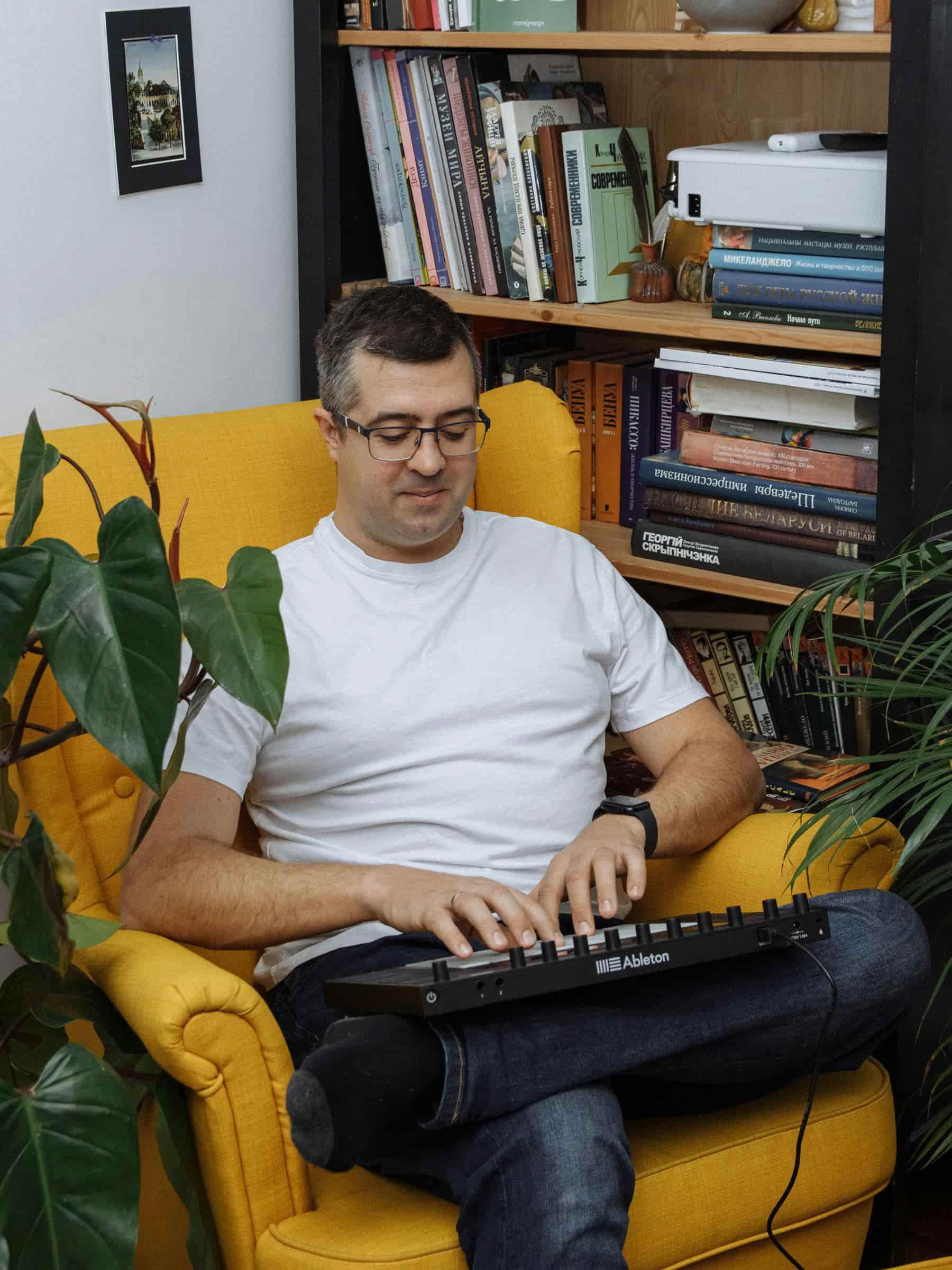
Ableton is built for speed, but a lot of beginners get stuck bouncing between Session and Arrangement, warping audio poorly, building eight-bar loops that never become songs, or piling on devices without a clear plan. Ableton Live lessons remove that friction by giving you a simple workflow and real-time correction while you work.
Your teacher will help you develop a repeatable process: starting an idea quickly, shaping it into a full arrangement, refining it, and exporting it confidently. With consistent Ableton lessons, your projects will become cleaner, your ears sharper, and your creative decisions more intentional.
Ableton feels easier to start making beats quickly (you can be productive in a few hours).
Logic feels easier for traditional “studio” work (recording, tracks, timeline, mixer) once you understand the layout.
A realistic learning curve:
2–7 days to feel “not lost” in either if you practise daily.
4–8 weeks to feel properly fluent with consistent practise.
If you’re already on a Mac and you want to record vocals/instruments, Logic will usually feel easier. If you want to make electronic tracks and you like experimenting, Ableton will usually feel easier.
Yes. You’ll learn launching clips, scenes, follow actions (if relevant), and how to structure a set that actually flows.
Yes. You’ll learn when to warp, which warp modes to use, and how to keep vocals/drums tight without artefacts and timing drift.
You can start on what you have. Your teacher can help you decide if/when Suite is worth it for your goals.
Absolutely. You can build strong tracks using MIDI patterns, sampling, and simple music theory applied directly to your projects.
Yes. You’ll learn practical sampling workflows with Simpler (and other tools if needed), including slicing, pitching, and making samples sit in the mix.
Yes. You’ll learn Drum Rack workflows, velocity and dynamics, swing/groove concepts, and how to make drums feel alive rather than robotic.
Yes. Lessons focus on arrangement decisions, transitions, energy control, and “finishing habits” that get tracks over the line.
Yes. You’ll learn balance, EQ priorities, compression basics, reverb/delay usage, bus processing, and when to stop tweaking.
Definitely. Working inside your existing sets is often the fastest way to fix weak points and level up your workflow.
For most beginners:
Ableton feels easier to start making beats quickly (you can be productive in a few hours).
Logic feels easier for traditional “studio” work (recording, tracks, timeline, mixer) once you understand the layout.
A realistic learning curve:
2–7 days to feel “not lost” in either if you practise daily.
4–8 weeks to feel properly fluent with consistent practise.
If you’re already on a Mac and you want to record vocals/instruments, Logic will usually feel easier. If you want to make electronic tracks and you like experimenting, Ableton will usually feel easier.
It’s easy to start and harder to master. Most beginners feel “comfortable” with the basics in about 1–2 weeks of regular practise. Getting properly confident (finishing tracks, clean mixes, consistent results) is more like 2–6 months depending on how often you practise.
If you practise 3–5 hours a week:
2–4 weeks: you can build simple beats, arrange a full idea, and export audio
2–3 months: you can finish complete tracks that sound solid
6–12 months: you start developing a consistent personal sound and faster workflow
Not to start. A MIDI keyboard/controller helps workflow and makes writing parts faster, but you can use your laptop keyboard and mouse early on. An audio interface becomes important when you’re recording vocals/instruments or you want lower latency.
I was always making projects but not completing them to the end. My teacher and I are working now on a clear formula for creating and finishing tracks.
It felt overwhelming at first, but I picked up on it quick. Then I started taking lessons and am arranging tracks much faster than when I first started.
We’ll sort your audio settings (interface, latency), then make Session vs Arrangement feel simple and logical. You’ll build a beat, add bass + chords, and turn a loop into a short arrangement with a proper export — not perfect, but real.
Typical focus: setup, workflow basics, drums + bass, arrangement, export